Buying guides
When to Skip the Market-Leading CRM for Your SMB
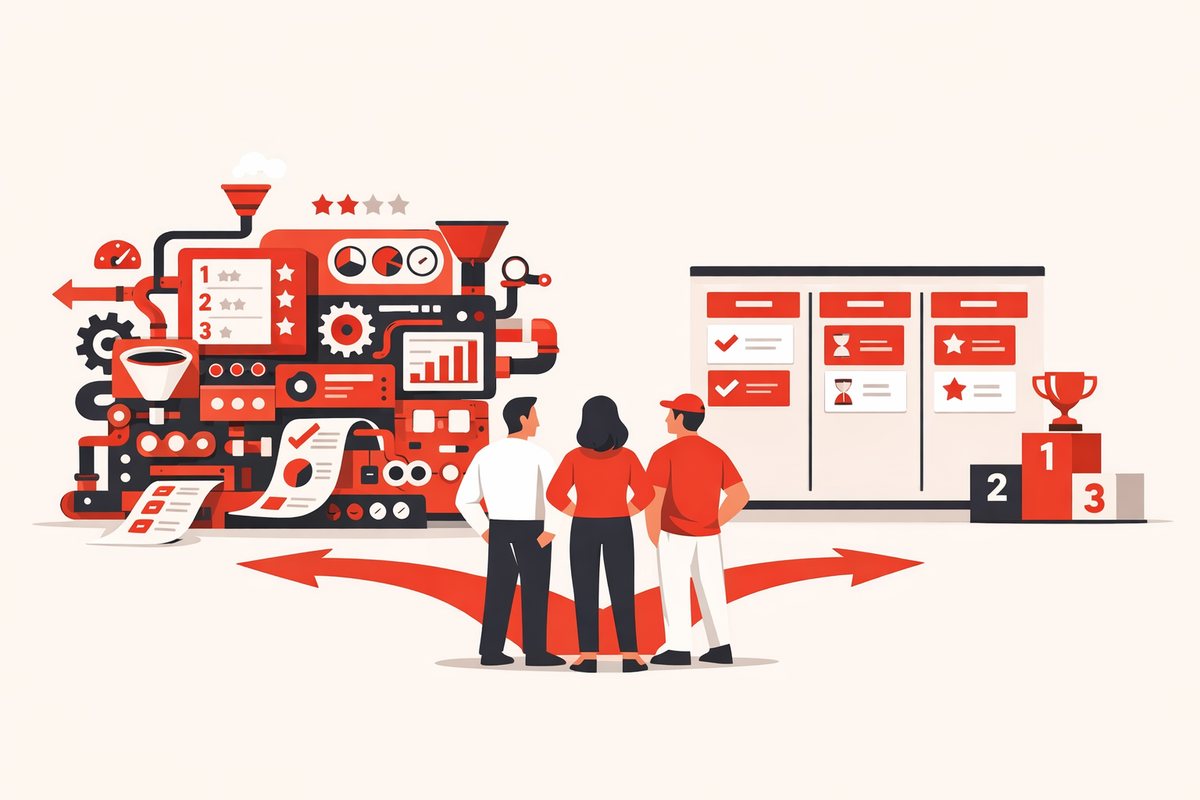
The biggest CRM is not always the safest choice. Here is when SMBs should skip it and shortlist simpler options.
Learn moreRatings, pricing and all 12 key features, side by side. Open either profile for the full review.
| Editor rating | 4.2 | 4.5 |
| Starting price | Free / about $25 per user | Free / $15 per seat |
| Free plan | Yes | Yes |
| Best for | Companies that want CRM, invoicing and inventory on one system | Small teams that want marketing, sales and support in one place |
| Key features | ||
| Ease of use | 3.9 / 5 | 4.7 / 5 |
| Features | 4.5 / 5 | 4.4 / 5 |
| Value for money | 4.5 / 5 | 4.5 / 5 |
| Customer support | 3.7 / 5 | 4.3 / 5 |
| Visual sales pipeline | Yes | Yes |
| Two-way email sync | Yes | Yes |
| Workflow automation | Yes | Yes |
| Email sequences | No | Yes |
| Built-in calling | Yes | Yes |
| Lead scoring | Yes | Yes |
| Sales forecasting | Yes | Yes |
| Custom reports | Yes | Yes |
| Marketing campaigns | Yes | Yes |
| Quotes and invoices | Yes | Yes |
| AI assistant | Yes | Yes |
| Mobile apps | Yes | Yes |
| Integrations | Native Odoo apps plus thousands of community modules | 1,500+ |
| Mobile | iOS and Android | iOS and Android |
| Support | Email support and partner network | Email and chat (paid), community (free) |
| Founded | 2005 · Belgium | 2006 · Cambridge, MA |
| View Odoo CRM profile | View HubSpot CRM profile |
Product and distribution businesses that want their CRM tied to quoting, invoicing and stock.
Skip it if: teams that want a standalone CRM running within an hour.
Odoo CRM is hard to beat when the CRM is only one piece of what you need. If quotes, invoices, stock and projects should share data, the suite is remarkable value. As a CRM alone it asks for more setup than its rivals.
Small and midsize teams that want marketing and sales on one system and value a gentle learning curve over deep customization.
Skip it if: teams that need advanced automation for many users on a tight budget, since those features sit in the Professional tier.
If you are starting from a spreadsheet, HubSpot is the safest first CRM: free to adopt, easy to learn and hard to outgrow quickly. Budget for the jump to Professional if you will need advanced automation within a year.
The biggest CRM is not always the safest choice. Here is when SMBs should skip it and shortlist simpler options.
Learn more
A candid shortlist of CRMs for Gmail users, from inbox-first tools to broader sales systems for growing teams.
Learn more
A practical guide to removing weak CRM options before demos, trials and vendor calls.
Learn more