Buying guides
Best CRM for Gmail Users: A Practical SMB Shortlist
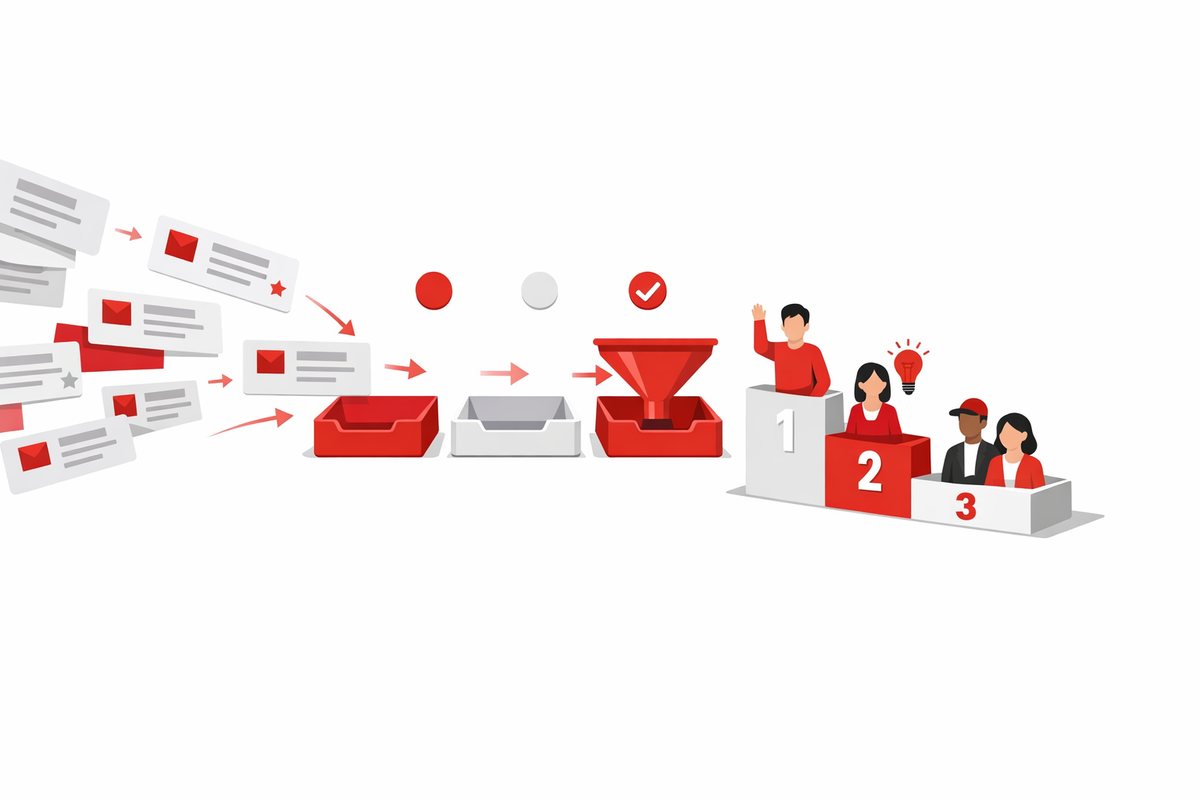
A candid shortlist of CRMs for Gmail users, from inbox-first tools to broader sales systems for growing teams.
Learn more
The market-leading CRM feels like the safe choice until your team avoids it, your admin queue fills up, and the monthly bill no longer matches the value you get. This article explains when a small or midsize business should skip the default big-name CRM, what signs to look for, and which types of alternatives are usually a better fit.
For many buyers, the market-leading CRM means Salesforce Sales Cloud. It starts at $25 per user, with pricing that can change, and it is built for growing companies with complex processes and someone to administer it. Its biggest strengths are flexibility, a huge app marketplace, and a large talent pool.
Those are real advantages. They matter when your sales process has multiple teams, territories, products, approval paths, partner channels, and reporting layers. In that situation, the CRM needs to bend around the business instead of forcing everyone into one simple workflow.
The problem is that many SMBs buy the upside but live with the overhead. A tool that can be configured to do almost anything also needs decisions, governance, and maintenance. If nobody owns that work, the CRM becomes a half-built operating system for sales.
So the question is not “Is the leader good?” It is “Do we need what makes it powerful, and can we support it?”
The clearest reason to skip a heavyweight CRM is the absence of an owner. Not a founder who checks in once a month. Not a sales manager who already has a full quota. You need someone who can manage fields, workflows, permissions, reports, cleanup, and user requests.
If you cannot name that person, start smaller. A market-leading CRM can work badly when nobody is responsible for shaping it. Reps then create workarounds, reports stop matching reality, and management loses trust in the data.
This is not only a software issue. It is an operating issue. The more configurable the CRM, the more your company has to decide what “good” looks like.
Example: A 12-person B2B services firm has one sales manager and eight reps. The sales process is simple: qualify, demo, proposal, close. They do not have sales operations, and the founder wants better visibility by next month. In that case, a lighter pipeline CRM is more likely to get used than a system that needs weeks of setup and ongoing administration.
If your process is still changing every quarter, that is another warning sign. You may need a CRM that is easy to adjust, not one that encourages you to formalize every edge case too early.
If your team mainly needs contacts, companies, deals, tasks, and follow-ups, do not overbuy. A simple pipeline does not become more mature because it sits inside a more complex product. It often just becomes harder to manage.
Teams that live in the pipeline view should look closely at Pipedrive. It starts at $14 per user, with pricing that can change, and is built for sales teams that want speed over breadth. Its drag-and-drop pipeline and activity-based selling are the point.
There are trade-offs. Pipedrive does not include lead scoring, and marketing tools are an add-on rather than the center of the product. But if your team’s main failure mode is missed follow-up, not enterprise architecture, that focus can be an advantage.
Very small teams may need even less. Some businesses need a clean place for contacts, notes, tasks, and a few deal stages. If that is you, a category like easiest CRM to use may be a better starting point than an enterprise shortlist.
Simple is not the same as weak. Simple means the CRM matches the job. If your sales motion is straightforward, adoption and consistency matter more than maximum configurability.
Some businesses think they need the market leader because they want growth. But their actual need is marketing follow-up, lead capture, email nurturing, and a shared customer view. That is a different buying question.
HubSpot CRM starts with a free plan and paid plans from $15 per seat, with pricing that can change. It is strongest for small teams that want marketing, sales, and support in one place. Its free plan is genuinely useful, and onboarding is one of its main strengths.
The warning is cost at higher tiers. HubSpot can climb steeply once you need Professional features. Still, for teams that want a clean all-in-one starting point, it may be a better fit than buying a highly configurable sales system and then stitching marketing around it.
This is where a direct comparison helps. If your shortlist is really down to the two big defaults, our HubSpot vs Salesforce comparison is a useful way to separate “we need an all-in-one growth platform” from “we need deep sales process control.”
Do not let brand familiarity hide the workflow. A marketing-led business and a complex sales organization may both say “we need CRM,” but they are buying different things.
Starting prices are only the opening move. The real cost of CRM includes seats, add-ons, implementation, administration, integrations, data cleanup, training, and the features you discover you need six months later.
Salesforce Sales Cloud starts at $25 per user, with pricing that can change, but the key watch-out is that it becomes expensive once you leave the Starter Suite. That does not make it a bad product. It means you should not buy it on the assumption that the entry price reflects your future operating cost.
Before you choose, model a realistic year-one and year-two bill. The CRM cost calculator on CRM Shortlist can help you compare yearly cost for the whole team instead of staring at one seat price.
Budget-conscious teams should also look at Zoho CRM. It starts with a free plan and paid plans from $14 per user, with pricing that can change. Its strengths are value and deep customization without code, especially for companies that may also use the wider Zoho suite.
Zoho is not frictionless. Its interface can feel dense until you tune it, and it lacks built-in calling. But for teams that need customization without committing to a heavier enterprise setup, it can be the more practical compromise.
CRM failure often looks like a people problem, but it starts as a fit problem. If reps see the CRM as a reporting tool for management, they will do the minimum. If it helps them remember follow-ups, find context, and move deals faster, adoption is much easier.
Watch for these warning signs before you buy the market leader:
These are not reasons to avoid CRM. They are reasons to choose a CRM that matches daily behavior. A simple tool used every day beats a powerful tool updated on Friday afternoon.
If you are still at the “what should we even compare?” stage, use our broader CRM buying guide before booking demos. It keeps the conversation focused on process, users, cost, and migration instead of feature theater.
Skipping the market leader is not a principle. It is a fit decision. There are plenty of cases where a larger, more configurable CRM is the right answer.
Keep it on the shortlist if you have several of these conditions:
In those cases, the overhead may be justified. You are not just buying a place to store deals. You are buying a platform that can support a more complicated revenue operation.
Microsoft-heavy organizations may also consider Microsoft Dynamics 365 Sales. It starts at $65 per user, with pricing that can change, and is best suited to midsize and large companies standardized on Microsoft 365. Its strengths are working inside Outlook and Teams and using Power Platform for custom apps, flows, and analytics, though implementation usually requires a partner.
The point is to match complexity with capability. If the business is complex, a serious CRM platform can be worth it. If the business is simple, complexity is usually just expensive friction.
Use a simple rule: do not buy the market leader unless you can name the business problem that only a larger platform solves. “We may need it later” is not enough. “Our process requires complex permissions, multiple teams, and deep reporting” is stronger.
A practical decision flow looks like this:
That last step matters. We have a separate article on what to cut first if your shortlist is already too long, but the same idea applies here: remove impressive tools that do not fit your operating reality.
For most small businesses, the market-leading CRM should not be the automatic starting point. Start with your process, team capacity, and budget. If a focused CRM handles the work with less setup and better adoption, choose the focused CRM.
Add the market leader back when you can justify the complexity: a real admin owner, a process that needs deep configuration, and a budget that covers more than licenses. That is the cleanest way to avoid buying the safest-looking CRM and ending up with the wrong one.
Not always, but it often is if the business has a simple pipeline and no CRM administrator. Salesforce Sales Cloud is strongest when a company has complex processes and someone to manage configuration. If your team mainly needs contacts, deals, tasks, and follow-ups, a simpler CRM may be faster to launch and easier to keep clean.
Only if your near-term needs justify it. Buying for a future company can burden the current team with complexity, cost, and admin work before it is useful. It is usually better to choose a CRM that fits the next 12 to 24 months, while making sure your data can be exported cleanly if you outgrow it.
It depends on the reason you are skipping it. Pipedrive is a strong fit for pipeline-focused sales teams. HubSpot is better when marketing, sales, and support need to sit together. Zoho CRM suits budget-conscious teams that still need customization. Very small teams may be better served by a simple CRM with fewer moving parts.
A candid shortlist of CRMs for Gmail users, from inbox-first tools to broader sales systems for growing teams.
Learn more
A practical guide to removing weak CRM options before demos, trials and vendor calls.
Learn moreEvery category and the comparisons people look up most.