Buying guides
Best CRM for Gmail Users: A Practical SMB Shortlist
A candid shortlist of CRMs for Gmail users, from inbox-first tools to broader sales systems for growing teams.
Learn more
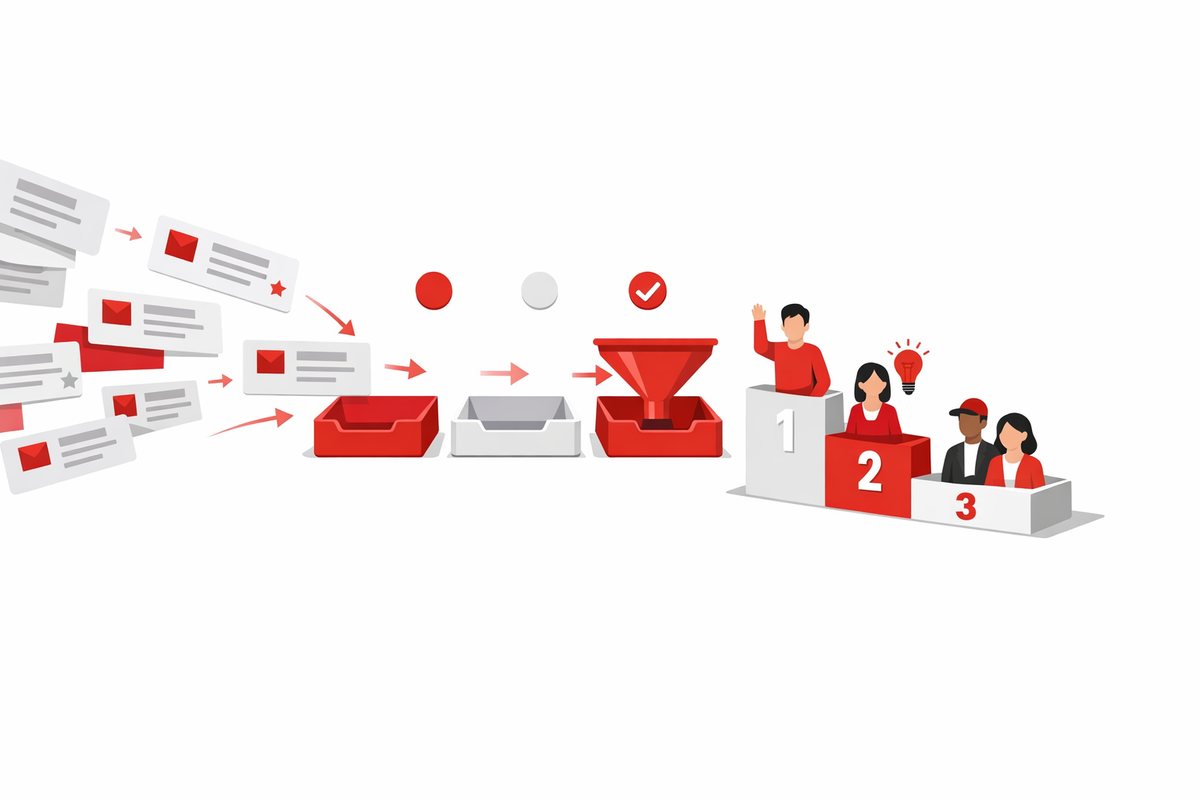
CRM shopping goes wrong when the shortlist is too polite. Every product looks plausible, every demo sounds useful, and nobody wants to cut the famous name too early. This guide shows what to remove first from a CRM shortlist so you can spend your time comparing serious fits instead of collecting maybes.
The fastest cut is not price or features. It is mismatch. A CRM built for outbound calling, relationship management, ecommerce follow-up or complex enterprise workflows may all be good software, but not for the same team.
Write down your primary sales motion in one sentence before you look at tools. For example: We sell annual contracts through a three-stage B2B pipeline with demos and follow-up tasks. That sentence will remove more noise than a 40-row feature spreadsheet.
If your reps live in a visual pipeline and need follow-ups to stop slipping, Pipedrive is a more natural candidate than a broad suite. It starts at $14 per user, has a drag-and-drop pipeline, and is built around activity-based selling. But if you need marketing tools built in, remember that Pipedrive treats them as an add-on and does not include lead scoring.
If your team wants sales, marketing and support in one place, HubSpot CRM deserves a look because it has a useful free plan and starts at Free / $15 per seat. But do not keep it on the shortlist just because everyone has heard of it. HubSpot can get expensive once you need Professional features, so cut it early if the long-term package is clearly beyond budget.
CRM buyers often keep tools because they might need advanced functionality later. That is how a simple CRM search turns into a platform evaluation. Future-proofing is useful only when the future is specific and funded.
Cut products whose main strength is irrelevant to the next 12 months. A highly configurable CRM may be impressive, but if your team just needs contacts, pipeline and tasks, complexity is not a bonus. It is onboarding debt.
Use a simple rule: if nobody can name the workflow, owner and business reason for a feature, it should not keep a CRM on the shortlist. AI assistants, complex scoring, custom objects, forecasting, quote workflows and territory rules all sound useful. They should not outweigh whether reps will update deals every day.
This is where our CRM profiles can help. They separate who each product is for from the feature noise. If you are still broadening the list, use the full CRM software directory to filter, but switch to cutting mode quickly.
A CRM that managers admire and reps avoid is worse than a spreadsheet. Adoption is not about whether the interface is modern. It is about whether the tool fits the way the team already works.
Look for friction in daily tasks: creating a contact, logging a call, moving a deal, setting the next step, finding old emails and updating a forecast. If those actions feel slow in the demo, they will feel worse on a busy Tuesday.
For very small teams, the best answer may be a deliberately simple CRM. The easiest CRM to use shortlist is a better starting point than enterprise-grade comparisons if you have no CRM admin and no appetite for configuration.
Do not confuse simple with weak. Capsule CRM starts at Free / $18 per user and is built for small teams that want contacts, pipeline and tasks without noise. Less Annoying CRM starts at $15 per user and has one plan with every feature included, but it has no built-in automation, sequences or calling. Either may be a better fit than a heavyweight platform if the goal is clean follow-up, not system architecture.
Quick adoption test: ask the person least excited about the CRM to create a deal, add a next step and find it again tomorrow. If they need a training session for the basics, cut the product or accept that adoption will be a project.
Starter prices are useful, but they can hide the real buying decision. Seats, required tiers, add-ons, implementation help, storage limits and automation access can change the economics quickly. A low entry price is not the same as a low operating cost.
Before demos, build a one-year cost view for each contender. Include every user who needs access, not just sales reps. Add likely upgrades if the feature you want is not on the starter tier.
Some products are clear values for the right buyer. Zoho CRM starts at Free / $14 per user, has a free plan, strong customization and strong value at every tier. The trade-off is that the interface can feel dense until you tune it, and it does not have built-in calling.
Other products justify higher costs only when their strengths match your business. Salesforce Sales Cloud starts at $25 per user, has no free plan, and can be configured deeply for complex processes. But it is best suited to growing companies with someone to administer it, and it gets expensive once you leave the Starter Suite.
Use the CRM cost calculator on CRM Shortlist to make the first pass objective. If a CRM only works by pretending you will never upgrade, remove it.
Many CRM shortlists get distorted because one department has a loud need. Marketing wants campaigns. Sales wants calling. Operations wants custom records. Support wants shared history. All of those needs matter, but the CRM has to serve the primary owner first.
If sales owns the CRM, do not pick a marketing automation platform with a light pipeline unless sales really can live with that. ActiveCampaign starts at $15 per month for 1,000 contacts and has a powerful automation builder, but its sales CRM is lighter than dedicated sales tools. It is a good candidate for marketing-led businesses, not every sales team.
If service delivery matters after the deal closes, do not ignore that either. Insightly starts at $29 per user and is built for service businesses that need to track work after the deal closes. Won deals can convert into projects with milestones and tasks. But it lacks built-in calling, email sequences, sales forecasting and marketing campaigns, so it is not the obvious pick for a high-velocity sales floor.
A practical way to cut is to rank the CRM owner:
Any CRM that wins for the wrong owner should be removed, even if it is objectively good software.
Some CRMs are not just CRMs. They are platforms. That can be powerful, but it changes the project from buying software to designing a system.
Microsoft Dynamics 365 Sales starts at $65 per user and works inside Outlook and Teams. It also benefits from Power Platform for custom apps, flows and analytics. But implementation usually requires a partner, so it is not a light choice for a small team that wants to be live next week.
Odoo CRM starts at Free / about $25 per user and can sit alongside invoicing and inventory in one system. That is attractive if you want many business apps connected. It is also more involved to set up than a standalone CRM, so cut it if your immediate problem is basic lead tracking.
This is also where head-to-head pages can save time. If your debate is really between a broad suite and a specialist pipeline tool, read a focused comparison such as HubSpot vs Pipedrive instead of adding five more names.
Do not demo ten CRMs. Demos create false momentum because vendors are good at showing best-case workflows. Cut first, then demo the three options that survived.
Use these cuts in order:
A 12-person B2B company sells implementation projects through referrals and outbound email. There are three sales users, two founders and no CRM admin. The team wants a clean pipeline, reminders and basic reporting, but not marketing campaigns this quarter.
In that scenario, an enterprise platform should be cut early unless the company has complex process requirements coming immediately. A marketing-first tool should also be cut unless automated nurturing is the main bottleneck. The shortlist should lean toward simple pipeline CRMs, then compare cost and adoption with the actual users.
The same company should not keep Salesforce, HubSpot, Zoho, Pipedrive, monday CRM, Freshsales and Close just to be thorough. Thorough buying is not a long list. It is making the cuts visible so nobody reopens the same debate later.
Your first CRM shortlist should be generous. Your final shortlist should be ruthless. Keep one safe mainstream option, one best-fit specialist and one lower-cost or simpler alternative.
Then run the same demo script in each product: add a lead, qualify it, create a deal, assign the next step, send or log a follow-up, and report on open pipeline. If a CRM cannot make that core flow obvious, cut it. The right shortlist is not the one with the most famous names; it is the one where every remaining option could realistically be adopted, afforded and used next month.
Three is usually enough for a serious final shortlist. Keep one broad mainstream option, one product that best matches your workflow, and one simpler or lower-cost alternative. More than that usually leads to shallow demos, repeated debates and feature-by-feature comparisons that do not reflect daily use.
No. A free plan is useful for testing, but it should not decide the shortlist by itself. Cut a CRM when its paid plan, adoption burden or feature fit does not match your team. Some paid-only CRMs are strong fits when they solve the right workflow clearly.
Remove a popular CRM early when its main strengths do not match your main problem. A famous platform may be too broad, too expensive after upgrades, or too dependent on administration. Popularity lowers buying risk, but it does not guarantee adoption by your team.
A candid shortlist of CRMs for Gmail users, from inbox-first tools to broader sales systems for growing teams.
Learn more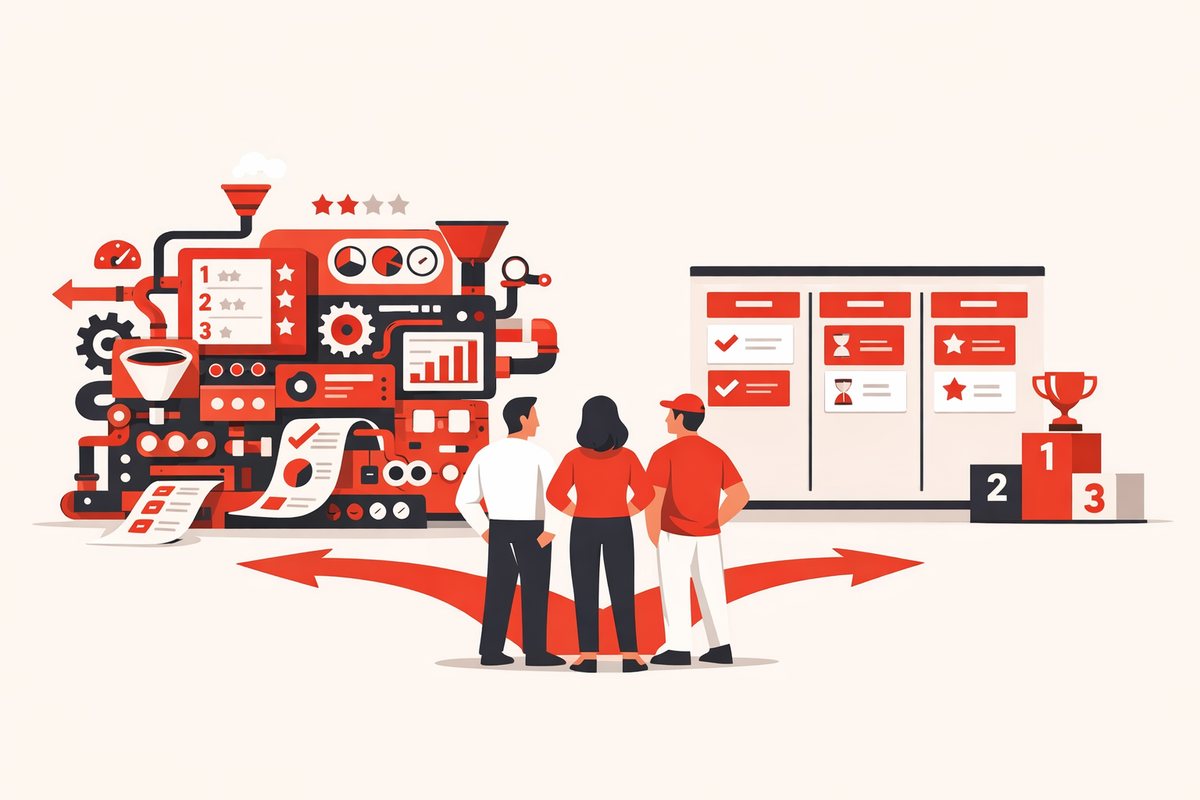
The biggest CRM is not always the safest choice. Here is when SMBs should skip it and shortlist simpler options.
Learn moreEvery category and the comparisons people look up most.