2026-11-08
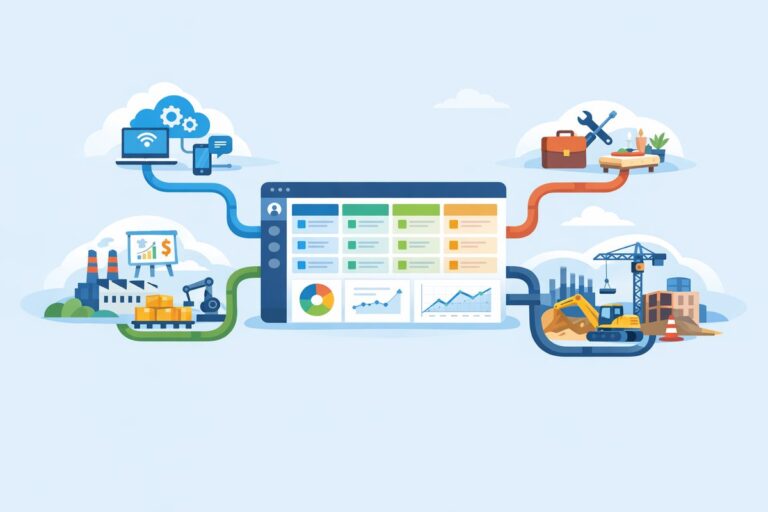
Custom CRM Pipelines for Industry-Specific Sales Motions
Learn how to tailor CRM pipelines by industry without overcomplicating stages, fields, handoffs, or reporting.
Salesforce has long been synonymous with cloud-based customer relationship management (CRM) systems, continually innovating to meet the dynamic needs of its users. The Salesforce Lightning Experience (commonly referred to simply as “Lightning”) represents one of the most significant advancements in this field, enhancing user productivity and experience. In this article, we’ll take an in-depth look at the benefits of the Salesforce Lightning Experience and explore why organizations should consider transitioning from Salesforce Classic.
Before delving into the myriad benefits, it’s essential to understand what Salesforce Lightning Experience encompasses. Launched in 2015, Lightning is a modern interface designed for efficiency. While Salesforce Classic offers a more static experience, Lightning introduces a dynamic interface with drag-and-drop functionality, enhanced analytics capabilities, and customization options that cater to specific business needs.
Enhanced User Interface (UI)
One of the most noticeable features of Lightning is its revamped user interface. The design focuses on user experience, making it more intuitive and visually engaging. User-friendly navigation, activity feeds, customizable dashboards, and streamlined layouts reduce the time taken to complete tasks. The result is improved user satisfaction and reduced training time for new users.
Dynamic Interactivity with Components
Lightning uses a component-based architecture, allowing developers to create reusable components that can be assembled into applications tailored to the organization’s needs. This modularity means businesses can adapt and expand their Salesforce environment without starting from scratch.
Improved Productivity with Lightning App Builder
The Lightning App Builder allows users to create personalized applications without needing extensive programming knowledge. This drag-and-drop feature facilitates the creation of custom apps, tailored to meet specific business requirements, thereby minimizing dependency on IT for routine changes.
Advanced Analytics and Reporting
Lightning Experience comes with robust analytics tools that enable users to create insightful reports and dashboards quickly. The enhanced analytics can help an organization identify trends, make data-driven decisions, and improve performance metrics. The modernized interface not only makes these tools more accessible but also integrates seamlessly with other Salesforce products for a holistic view of customer interactions.
Integration with Einstein AI
Lightning Experience is designed to work seamlessly with Salesforce Einstein, the artificial intelligence (AI) layer. With Einstein’s predictive analytics, organizations can forecast sales more accurately, identify potential leads, and provide personalized customer experiences. This integration empowers businesses to harness AI in decision-making, thus enhancing customer engagement and operational efficiency.
Mobile-First Design
In a world increasingly dominated by mobile devices, Salesforce recognized the need for a solution that is as effective on smartphones and tablets as it is on desktops. The Lightning Experience is designed with mobile access in mind, ensuring that users can work from anywhere without compromising functionality.
Collaboration Made Easy
The Lightning Experience is integrated with Salesforce Chatter, fostering better collaboration among team members. Users can easily share files, provide updates, and engage in discussions directly within the Salesforce platform. This integration enhances communication channels, leading to more cohesive teamwork and improved customer service.
Performance and Speed Improvements
One of the standout benefits of Lightning is its performance. The transition to Lightning often results in faster load times and improved responsiveness. This performance boost can substantially enhance the overall user experience, especially in organizations that rely heavily on Salesforce functionality for daily operations.
Continuous Updates and Support
Salesforce has committed to continuous improvement and innovation. By adopting Lightning Experience, organizations gain access to the latest features and updates without having to undertake significant upgrade efforts. This means companies can remain competitive by leveraging the most current technological advancements.
Customization and Branding
Lightning Experience allows for extensive customization, enabling businesses to tailor the look and feel of their Salesforce instance. Companies can implement their branding, adjust layouts, and configure fields to create a user experience that aligns with their corporate identity and organizational objectives.
While the benefits of Lightning Experience are compelling, transitioning from Salesforce Classic requires a strategic approach. Organizations should assess their unique requirements, conduct a thorough evaluation of existing processes, and engage stakeholders throughout the organization. Salesforce provides the Lightning Experience Transition Readiness tool, which can help assess readiness and outline necessary preparations.
1. What is the primary difference between Salesforce Classic and Lightning Experience?
The primary difference lies in the user interface and capabilities. Lightning offers a modern, intuitive user interface with enhanced features focused on productivity, performance, and mobile responsiveness, while Classic is more traditional and less flexible.
2. Can I switch between Classic and Lightning Experience?
Yes, Salesforce allows users to switch between Classic and Lightning Experience. This dual-phase approach enables organizations to transition at their own pace while ensuring that users remain comfortable with their workflow.
3. Will all Salesforce features be available in Lightning Experience?
Most features are available in Lightning Experience, though some legacy features might still exist in Classic. Salesforce continues to improve Lightning, ensuring that critical functionalities are regularly added.
4. How does customization work in Lightning Experience?
Customization in Lightning Experience is facilitated through the Lightning App Builder, allowing users to create tailored applications without intricate coding. Reusable components enhance the flexibility and adaptability of customizations.
5. Is training necessary when transitioning to Lightning Experience?
While many users find Lightning intuitive, training can help organizations maximize its potential. Salesforce offers various resources — including trails, webinars, and documentation — to support user training during the transition.
6. Are there any additional costs associated with switching to Lightning Experience?
Most organizations will not incur additional costs to switch to Lightning, as it is included in existing Salesforce licenses. However, custom development and expansion into specific features might incur costs.
7. Is Lightning Experience suitable for all business sizes?
Absolutely! Lightning Experience is versatile and customizable, making it beneficial for small, medium, and large enterprises. Its scalable nature means it can adjust to the needs of any organization.
Salesforce Lightning Experience has established itself as a game-changer in the CRM landscape, offering countless benefits, including enhanced usability, increased productivity, powerful analytics, and extensive customization options. Organizations that leverage these features position themselves for success in an increasingly competitive and customer-centric marketplace. The shift toward Lightning is not just an upgrade; it’s a strategic evolution that equips businesses to thrive in the digital age.
Learn how to tailor CRM pipelines by industry without overcomplicating stages, fields, handoffs, or reporting.
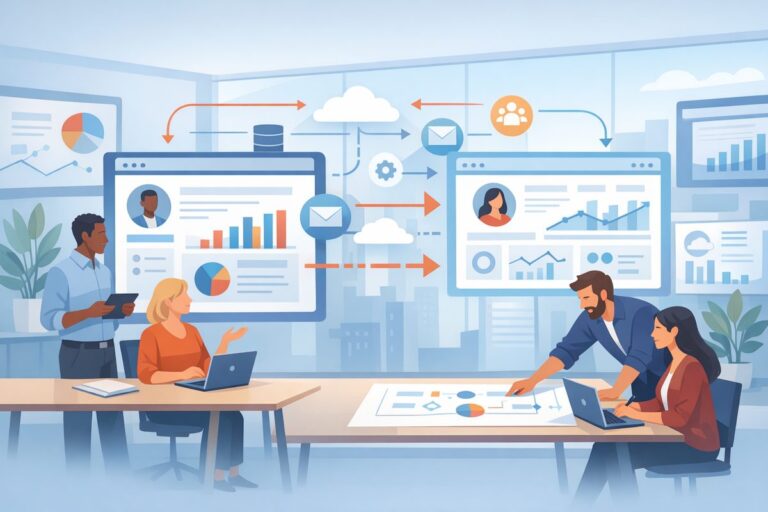
Learn the warning signs that your CRM no longer fits, plus a practical plan for migration, cutover, and sales team adoption.
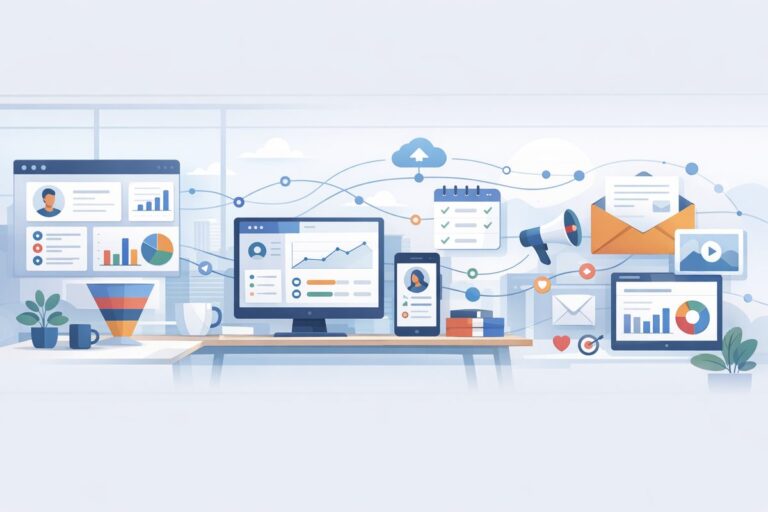
A practical guide to syncing CRM and email marketing data so sales and marketing can act on the same customer signals.