2026-11-08
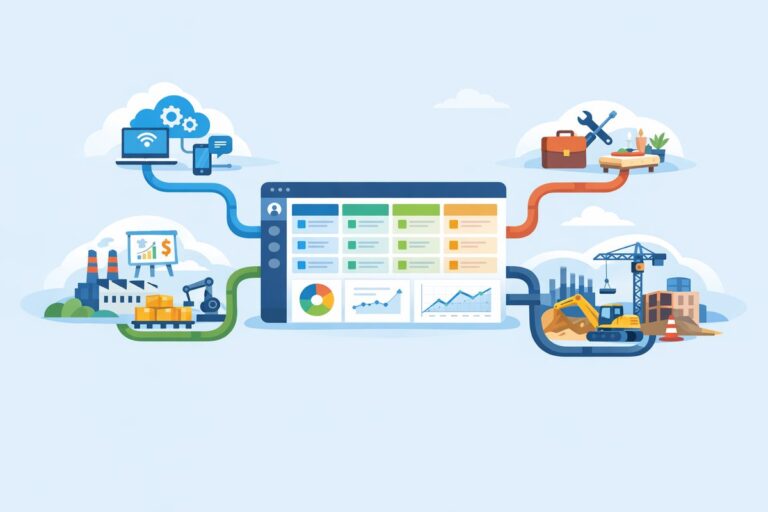
Custom CRM Pipelines for Industry-Specific Sales Motions
Learn how to tailor CRM pipelines by industry without overcomplicating stages, fields, handoffs, or reporting.
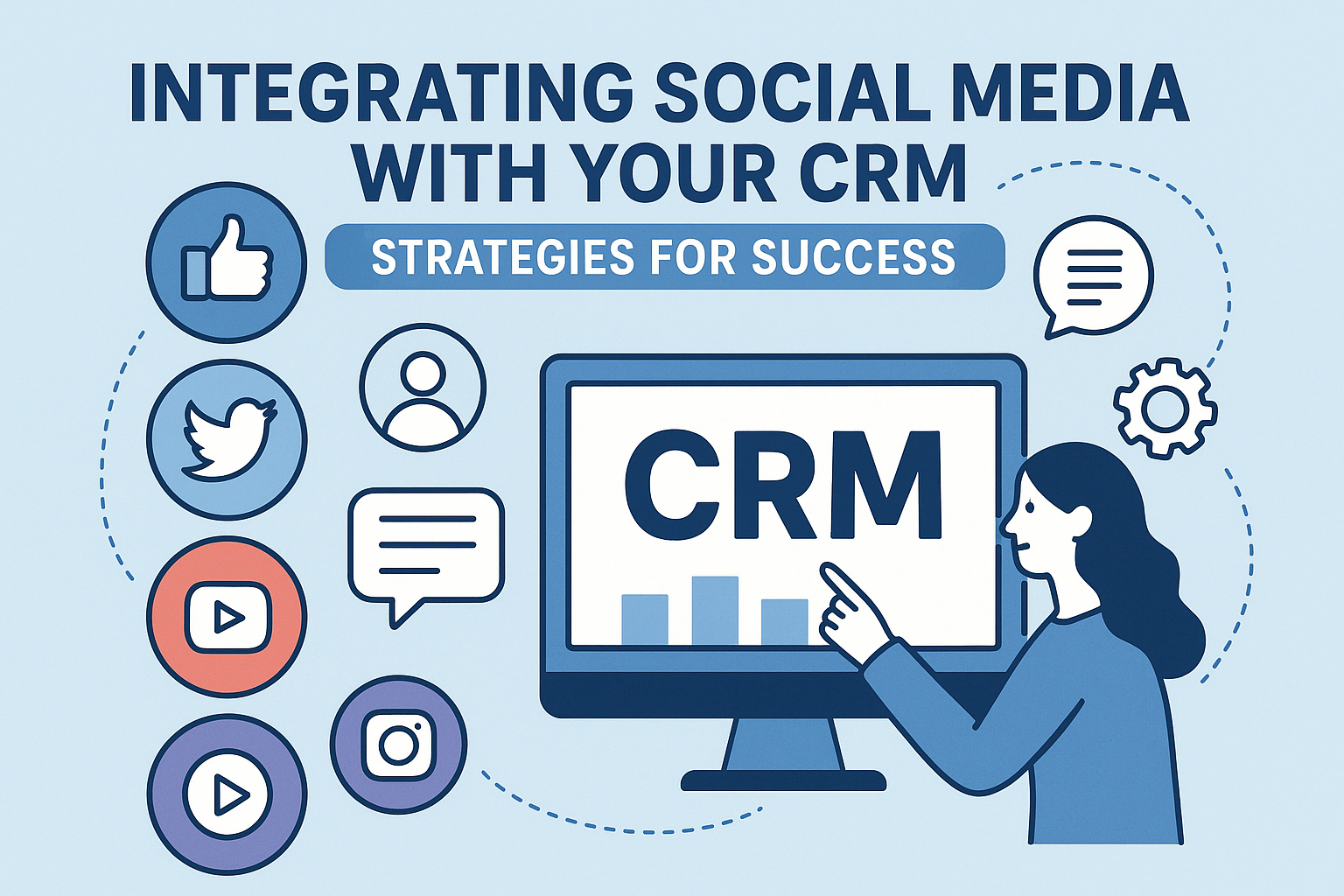
In today’s fast-paced digital landscape, businesses must harness the power of both social media and customer relationship management (CRM) systems for effective customer engagement and relationship building. Integrating social media with your CRM not only streamlines processes but can also provide invaluable insights into customer behavior, preferences, and trends. This article will explore strategies for successfully integrating social media with CRM systems, the benefits of such integration, and FAQ to address common queries.
Social media channels serve as platforms where customers interact directly with brands, sharing feedback, opinions, and experiences. A CRM system, on the other hand, is designed to manage relationships with customers, keeping track of interactions, transactions, and preferences. By merging the two, businesses can:
To achieve successful integration of social media and CRM systems, consider the following strategies:
Selecting a CRM system that offers robust social media capabilities is the first step towards integration. Popular CRM platforms like Salesforce, HubSpot, and Zoho offer built-in social media features or allow for integrations with third-party social media management tools. Ensure that your chosen CRM can effectively collaborate with the social channels your business uses.
Before diving into integration, it’s crucial to define what you hope to achieve. Objectives might include improving customer service response times, increasing engagement rates, or analyzing customer sentiment. Clear goals will guide your integration strategy and metrics for success.
Application Programming Interfaces (APIs) allow different software platforms to communicate effectively. By using APIs, businesses can pull relevant social media interactions directly into their CRM, such as posts, mentions, and comments. Ensure that your technical team has the expertise to configure these integrations purposefully.
Combining data from various platforms can help create a 360-degree view of your customer. Integrate all social media interactions into your CRM so that your team can access a comprehensive history of each customer’s interactions, preferences, and purchase behavior.
Ensure that your employees understand the new integrated system and can leverage it effectively. Proper training on both the CRM and social media tools is essential for maximizing efficiency and enhancing customer interactions.
Automation can streamline repetitive tasks such as responding to customers based on certain triggers (e.g., when a customer raises a complaint on Twitter). Using the integration, set up automated workflows that direct customer queries to the appropriate department for a swift response.
Post-integration, continuously monitor the performance of your integrated system. Use analytics to measure the effectiveness of social media interactions, engagement rates, and customer satisfaction. Be prepared to make adjustments based on data insights to optimize your strategies.
Establish guidelines for your team when engaging with customers on social media. This policy should outline the tone, messaging, and escalation procedures for handling customer interactions and complaints.
Leverage analytics derived from both the CRM and social media platforms. Analyzing this data can inform marketing strategies and product development, ensuring that businesses can meet customer needs effectively.
Encouraging customers to share their experiences and feedback on social media is vital. Integrate tools that help you track these mentions and sentiment, allowing you to address issues and capitalize on positive feedback quickly.
Integrating social media with your CRM system offers several benefits:
Improved Customer Service: Quick access to customer data and previous interactions can enhance response time and service quality.
Better Targeted Marketing: Understanding customer preferences allows for tailored marketing campaigns, increasing conversion rates.
Enhanced Customer Retention: By proactively engaging with customers based on their social media interactions, businesses can foster loyalty and retain customers effectively.
Increased Sales Opportunities: Integrated insights can help identify cross-selling and upselling opportunities, driving revenue growth.
Integrating social media with your CRM is no longer a luxury but a necessity in today’s competitive market. By employing the strategies outlined above, businesses can improve customer engagement, streamline communications, and make data-driven decisions. In an age where the customer is king, understanding and responding to their needs through seamless integration can provide a significant advantage.
1. What CRM systems can I integrate with social media?
Most popular CRM systems such as Salesforce, HubSpot, and Zoho offer integrations with various social media channels. It’s important to choose a CRM that aligns with your business needs and the specific social platforms you use.
2. How can I measure the success of my social media-CRM integration?
To measure success, you should track key performance indicators (KPIs) such as response times to customer queries, engagement rates on social media, customer satisfaction scores, and conversion rates from social interactions.
3. Is it necessary to hire a tech team for integration?
While some CRM and social media platforms are user-friendly and designed for easy integration, a technical team may be necessary for more complex setups, particularly for configuring APIs or customizing functionalities.
4. Can I automate social media responses through my CRM?
Yes, many CRMs allow for automation of social media responses based on triggers or specific keywords, enhancing your team’s efficiency in managing customer inquiries.
5. How frequently should I revisit my integration strategy?
Regular reviews, ideally quarterly or biannually, should be conducted to assess the effectiveness of your integrated system, making necessary adjustments based on performance data and evolving customer needs.
Learn how to tailor CRM pipelines by industry without overcomplicating stages, fields, handoffs, or reporting.

Learn the warning signs that your CRM no longer fits, plus a practical plan for migration, cutover, and sales team adoption.

A practical guide to syncing CRM and email marketing data so sales and marketing can act on the same customer signals.