2026-11-08
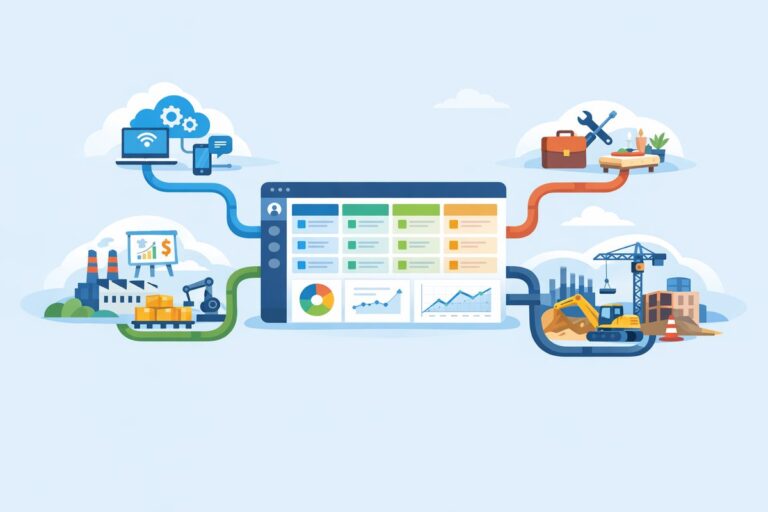
Custom CRM Pipelines for Industry-Specific Sales Motions
Learn how to tailor CRM pipelines by industry without overcomplicating stages, fields, handoffs, or reporting.
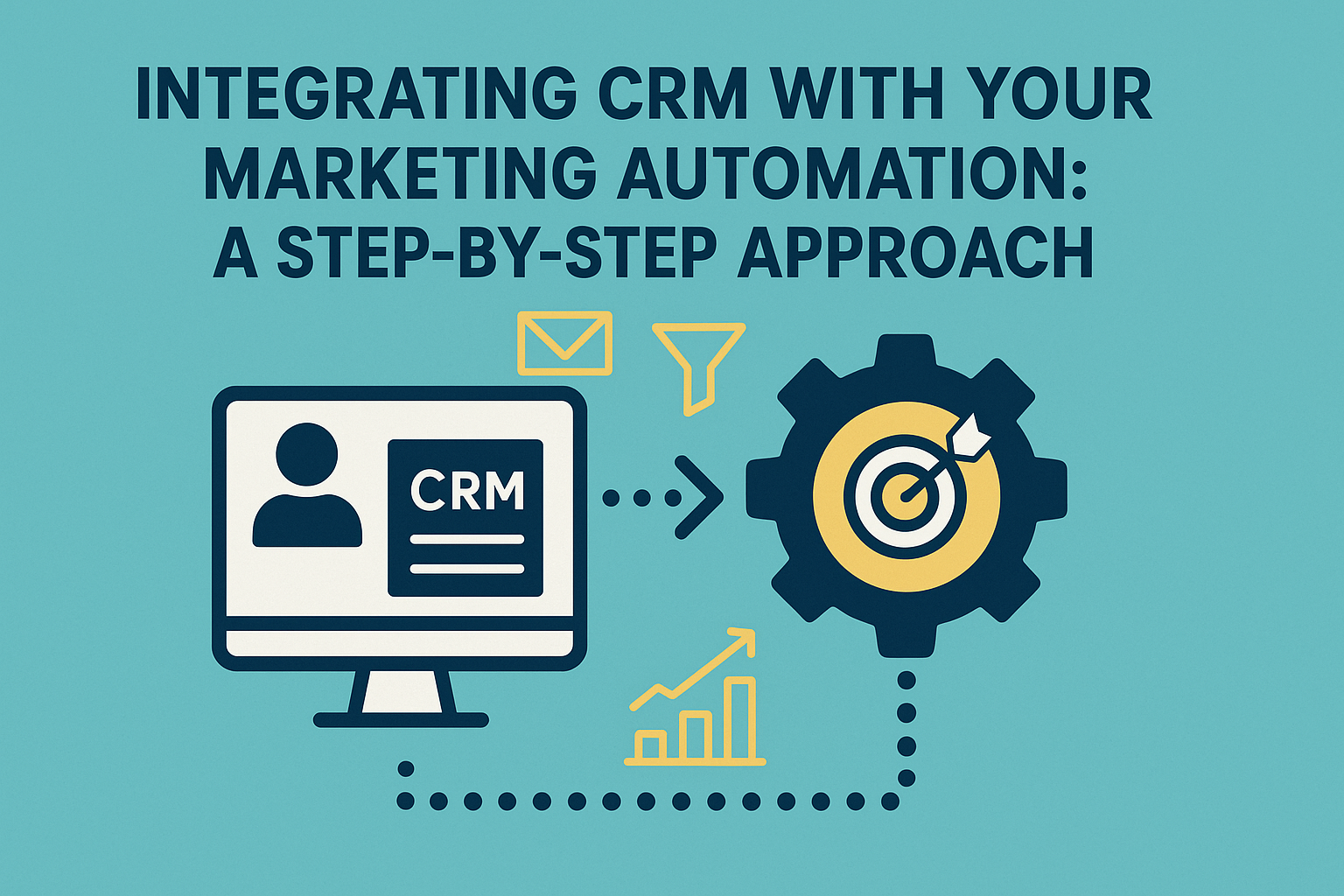
In today’s fast-paced digital landscape, businesses continuously seek ways to streamline operations and enhance customer engagement. One of the most efficient strategies is integrating Customer Relationship Management (CRM) software with Marketing Automation tools. This integration not only simplifies marketing efforts but also enhances your ability to deliver personalized customer experiences, driving higher conversion rates and better customer retention. In this article, we will provide a comprehensive guide to integrating CRM with your marketing automation system.
Customer Relationship Management (CRM) is a technology used to manage a company’s interactions with current and prospective customers. It leverages data analysis about customers’ history with a company to improve business relationships. Features commonly found in CRM systems include contact management, sales management, productivity management, and more.
Marketing Automation refers to software platforms and technologies designed for marketing departments and organizations to effectively market on multiple channels online and automate repetitive tasks. Marketing automation allows businesses to streamline processes, measure campaign performance, and enhance customer targeting.
The integration of CRM with marketing automation brings several benefits, such as:
Increased Efficiency: Automating repetitive marketing tasks frees your team to focus on strategy and creative aspects.
Enhanced Data Synchronization: Real-time data sync between CRM and marketing tools allows for better tracking and analytics.
Improved Targeting and Segmentation: Leveraging rich customer data helps you tailor marketing messages for specific audiences.
Better ROI: By targeting the right customers with the right messages at the right time, businesses gain higher conversion rates.
Before diving into the integration process, it is crucial to define your goals clearly. What do you want to achieve with this integration? Common goals may include:
Selecting the appropriate CRM and marketing automation tools is vital. There are numerous options available in the market, such as Salesforce, HubSpot, Zoho CRM, Marketo, and Mailchimp. Ensure that the tools you choose are compatible with each other to facilitate smooth integration.
This step involves determining what data will be shared between your CRM and marketing automation systems. Common data points include:
Creating a data mapping document can help visualize how data flows between the two systems.
Once you have a clear understanding of your goals, tools, and data, it’s time to set up the integration. Most modern CRM and marketing platforms offer built-in integrations or connectors to facilitate this process. Consider the following:
API Integrations: Use Application Programming Interfaces (APIs) if your tools support them. APIs allow for direct data transfer between your systems.
Integration Platforms: Utilize third-party platforms like Zapier or Integromat, which can help connect different software applications.
Custom Integrations: For more complex needs, you may opt for custom integration solutions, which typically involve hiring a developer.
Before rolling out the integration across the board, conduct thorough testing to ensure that data flows correctly between the CRM and marketing automation tools. Check for:
Implementing new systems can be challenging, so it’s essential to train your marketing and sales teams effectively. Provide them with the resources and training needed to use the CRM and marketing automation systems efficiently. Ensure they understand how to access and leverage the integrated data for their tasks.
After the integration is live, continuously monitor performance and gather feedback from users. Analyze key performance indicators (KPIs) such as:
Optimize processes as necessary, making adjustments based on the data insights you gather.
Regular Updates: Keep both systems updated to ensure compatibility and take advantage of new features.
Data Hygiene: Regularly clean your databases to remove duplicates or irrelevant data, ensuring that your marketing efforts are based on accurate information.
User Feedback: Solicit feedback from users on the integrated systems. This can help identify pain points and areas for improvement.
Continuous Learning: Stay informed about trends and best practices in CRM and marketing automation to maximize the benefits of your integrated systems.
Integrating CRM with marketing automation streamlines processes, enhances data synchronization, improves targeting, and boosts ROI through personalized customer engagement.
Most modern CRMs can be integrated with popular marketing automation platforms, but it’s essential to choose solutions that are compatible. Review integration capabilities before selecting tools.
Not always. Many CRM and marketing platforms offer built-in integrations and user-friendly interfaces. However, for complex requirements, hiring a developer may be beneficial.
Conduct thorough testing during the integration process to check for data accuracy. Establish clear data mapping and continuously monitor data quality post-integration.
Regular monitoring should be ongoing. Reviewing KPIs monthly or quarterly will help you make timely adjustments and ensure optimal performance.
In conclusion, integrating your CRM with marketing automation tools can significantly enhance your ability to engage customers, streamline operations, and improve overall business performance. By following the step-by-step approach outlined in this article, you can achieve a successful integration that drives measurable results for your organization.
Learn how to tailor CRM pipelines by industry without overcomplicating stages, fields, handoffs, or reporting.

Learn the warning signs that your CRM no longer fits, plus a practical plan for migration, cutover, and sales team adoption.

A practical guide to syncing CRM and email marketing data so sales and marketing can act on the same customer signals.